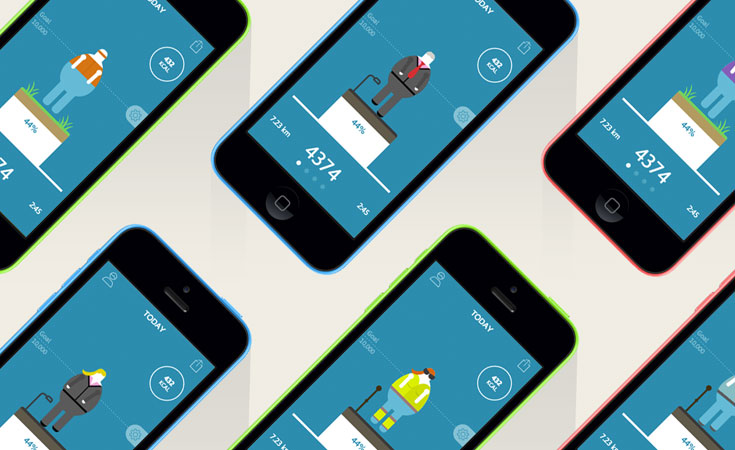
Widgets are one of the great features that Android gives us as app designers and developers. They act as small windows into the content or functionality of an app and since they sit on the phone's home screen, taking up valuable space, they need to be very efficient. They make you think about the core features required to use the app or how best to present the key data that a user will find useful.
Our recent work on the Map My Tracks Android widget made us think about the essence of the app and what users need from their home screen.
18 Years Refining User Experience at Scale
The Map My Tracks Android widget represents UX design refined through serving millions of users since 2007. When your platform maintains #1 ranking in the App Store's Health & Fitness category across 190+ countries, every design decision is validated by massive real-world usage data. Our widget design philosophy stems from elite sports technology expertise: as Official Technology Partner to Team Sky for BSkyB (Sky Corporation) from 2010-2015, we built GPS tracking interfaces for Tour de France champions where one-tap activation was mission-critical during race conditions.
This professional-grade simplicity - start, pause, stop - translates to consumer fitness tracking, where reducing friction from 5 taps to 1 tap drives daily engagement. The widget's background complexity (GPS initialisation, sensor calibration, battery optimisation, data synchronisation) is hidden behind three buttons, demonstrating our capability to distill sophisticated functionality into intuitive user experiences that scale to millions of daily activations.
View the platform: Map My Tracks: 18 Years of UX Evolution
Map My Tracks is a sport activity tracker. It lets users track their bike rides, runs, walks or any other outdoor activity. For this app it made sense that the widget gives users control over starting their tracking session.
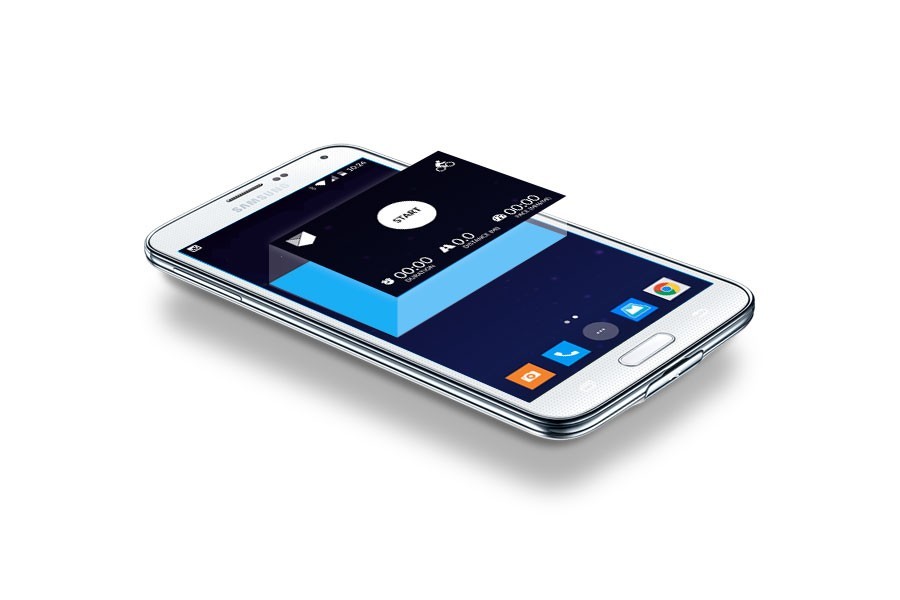
The Map My Tracks Android widget acts as a remote control to the main app. It lets users do three things: start, pause and stop tracking their activity. That's it. By using the widget people can bypass several taps and start an activity direct from their home screen in just one tap.
The simplicity of these three actions undermine the complexity of the widget but from a user's perspective this simplicity is the key to its success.
Need an app or website?
Get in touch to discuss how we can help create an app of your own or find out how our Fractional Product Team can support your development journey from MVP through to scale.